Blog
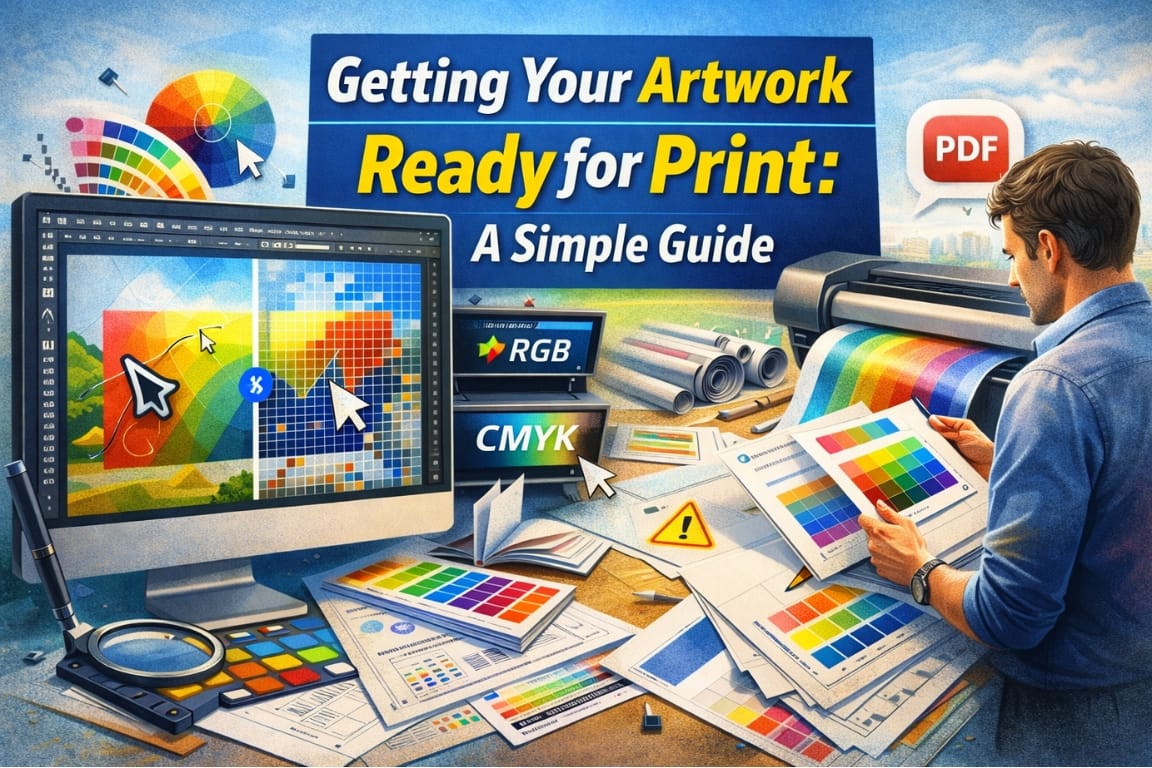
Great signage starts with great artwork — but print-ready files are different from digital designs. One of the most common delays we see comes from artwork that looks good on screen but isn’t optimized for printing.
High-resolution files are key. Raster images should be created at the correct size and resolution to avoid pixelation, especially for large-format signs. Vector files are ideal whenever possible because they scale cleanly without loss of quality.
Color is another important factor. Screens use RGB color, while printers use CMYK. Colors can shift if files aren’t prepared correctly, which is why proofs and proper color setup matter.
Fonts should be outlined or embedded to prevent substitution issues, and important design elements should stay clear of trim edges to allow for finishing and installation tolerances.
If you’re unsure whether your artwork is ready, don’t worry — that’s common. Our team can review files, request adjustments, or help guide you toward the best outcome before anything goes to print. A little preparation up front saves time, money, and frustration later.
Related posts
Signs That Work: Matching Signage to Your Industry
Different industries rely on signage in different ways. A restaurant needs eye-catching exterior signs and interior menu displays,...
Getting Your Artwork Ready for Print: A Simple Guide
Great signage starts with great artwork — but print-ready files are different from digital designs. One of the most common delays ...
How to Choose the Right Signage for Your Business
Choosing the right signage isn’t just about looking good — it’s about being seen, understood, and remembered. The most effective s...
Welcome to My Dream Signs: How Our Quote-Based Shopping Works
At My Dream Signs, we do things a little differently — and for good reason. Every business, space, and project is unique, and cust...